
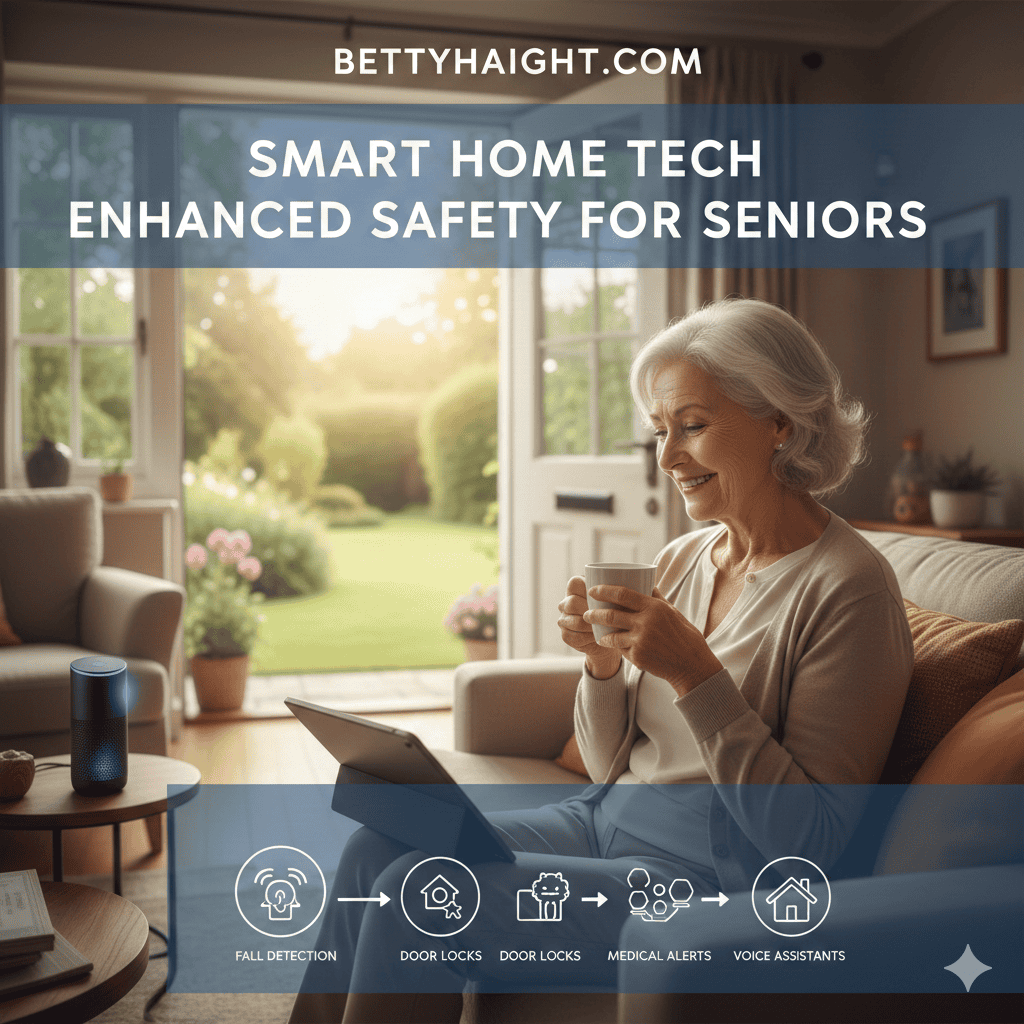
When someone you love ages, the wish to keep them living at home with dignity often collides with worry about falls, missed medication, and slow emergency response. Modern connected home devices can help reduce those risks by creating a living environment that watches for trouble without turning a house into a hospital. This article walks through practical options and real world tips so families can pick tools that fit daily life.
Whether you are a caregiver managing visits from afar or a senior making decisions about independence, clear guidance helps. Below are device types, implementation tips, privacy notes, and budget ideas that focus on safety, usability, and reliability rather than hype. Expect examples, quick checks you can perform, and pointers for choosing technicians or installers when needed.
How connected home devices reduce accident risk for seniors
Connected sensors and monitoring systems add layers of visibility that were once possible only with around the clock in-person care. Motion sensors in halls, pressure sensors on chairs, and door sensors can reveal patterns. For example, if a person is up at unusual hours and pacing, family or carers can check in. If a device reports no movement over a long period during waking hours, that can trigger a wellness check.
These systems also reduce the time between an incident and a response. A wearable alert or a networked pendant can call for help within seconds of a fall. For people with early memory decline, automated reminders tied to sensors can help with routines without constant human supervision. The goal is to create practical layers of protection that match the person’s needs and comfort level.
Fall detection and emergency alerts that work around the clock
Falls are a major cause of injury for older adults. Devices that detect sudden movement changes and impact patterns can send alerts automatically to designated contacts. There are two common approaches.
- Wearable fall detection. Devices worn as pendants or on the wrist use accelerometers and algorithms to identify falls. They are portable but require the person to wear them consistently.
- Ambient fall detection. These systems use floor sensors, depth cameras, or radar sensors placed in rooms to spot a collapse. They do not rely on the person wearing a device and can work if the person cannot reach a button after a fall.
Wearable versus ambient sensors
Wearables are affordable and easy to install but fail when they are not worn. Ambient sensors cost more and involve installation, yet they cover common areas continuously. A hybrid approach often gives the best coverage for those who move between rooms and spend time outside the home.
Response workflows and notification paths
Decide ahead who gets notified first. Some families prefer a chain that starts with a nearby neighbor, then a family member, then emergency services. Others route alerts directly to a professional monitoring center. Test the chosen workflow with non emergency trials so everyone understands the false alarm process and the expected response time.
Monitoring and motion sensors that track patterns without intrusion
Motion and door sensors can do more than trigger alarms. When configured for pattern tracking they can highlight deviations in daily habits that matter. For instance, a nighttime increase in bathroom trips may indicate a urinary tract issue. Missing morning kitchen activity could signal skipped meals or trouble with mobility.
Key practical tips
- Place motion sensors in hallways and main living areas to cover common transitions.
- Use door sensors on refrigerators to help detect missed meals or medication routines.
- Set tolerance levels to reduce nuisance alerts late at night when the person genuinely moves around.
Voice activated helpers and hands free controls for daily tasks
Hands free devices let seniors control lights, locks, and thermostats without bending or reaching. Voice activated helpers can also let someone call a family member or play a short contact list of phone calls when movement is limited. Avoid relying on complex voice menus; keep commands short and set up favorites for common tasks.
When introducing voice functions, practice commands together and write them down in large print. If hearing loss is present, pair voice devices with visual cues such as blinking lights or a linked display. For people with memory issues, pre program voice reminders for meals, appointments, and medication times.
Medication reminders and routine supports that fit daily life
Missed or doubled doses cause many emergency room visits among older adults. Solutions range from simple pill dispensers with alarms to locked dispensers that unlock only at scheduled times. Look for dispensers that log activity and send an alert when a dose is missed.
Practical checklist for medication systems
- Choose dispensers with visible labels and tactile buttons for users with reduced vision or dexterity.
- Set reminder escalation: local alarm then call to a caregiver if missed within a set window.
- Coordinate with pharmacy services to simplify packaging and reduce opening difficulty.
Choosing reliable products and installation tips for long term use
Pick devices from vendors with a strong track record of support and available firmware updates. Read recent user reviews focusing on reliability and after sales service. If you prefer professional setup, ask installers about response times for service calls and whether they offer annual checks.
Compare features with this quick approach
- Battery life and low battery alerts
- Offline behavior when internet is down
- Integration with other devices you already own
- Privacy settings and data access controls
For a practical shopping list and head to head product notes, check a dedicated roundup that compares leading offerings for elder safety. Read this guide to compare options for senior home safety tech before buying to match features to the user’s daily habits and budget.
Privacy and data safety considerations for elder care monitoring
Monitoring comes with trade offs between visibility and privacy. Cameras can provide great oversight but may feel intrusive. Motion sensors and door contacts are less invasive while still reporting activity. When using any device that collects data, confirm who can access logs and how long data is retained.
Questions to ask vendors and installers
- Where is data stored geographically and how long is it retained
- Who has login access and what two factor protection exists
- What encryption is used during transmission and storage
- How to disable data collection temporarily for visits where privacy is desired
Budgeting, training, and common pitfalls to avoid
Costs range from low monthly fees for monitoring services to one time purchases for sensors and dispensers. Factor installation, any subscription fees, and the cost of replacing consumables like batteries. Training matters as much as hardware. Spend an hour teaching the primary user and at least one back up family member how to use each device.
Avoid these common errors
- Buying many different brands that do not integrate, creating multiple apps and logins
- Not testing fall detection sensitivity before relying on it
- Failing to label devices and chargers so devices are returned to the correct person after cleaning
When you combine practical device selection with realistic daily routines you get a safer, less stressful home environment. Start with the highest risk areas such as the bathroom and stairways and grow from there. Simple sensor packages plus a wearable or pendant with fall detection often prevent the most serious delays in care.
Conclusion
Connected home technology offers a path to safer independent living for older adults while keeping families better informed and more confident. By focusing on reliable sensors, clear notification paths, practical medication supports, and careful service selection you create a safety net that fits real life. Begin with a small pilot in one part of the house, train the primary user and at least one backup person, and expand only after the system proves useful. Protect privacy by asking vendors about data handling and set notification chains that deliver the fastest help without creating alarm fatigue. If you are ready to act, make a short shopping checklist, test devices in non emergency situations, and schedule a professional or family install day. Taking these steps will help reduce risks and keep daily living as comfortable and independent as possible.